Three new ways to sell multiple items in Blink
by Frida Ekelund

Do you sell menus, beverage selections, or combos in Blink? If so, there are three new ways to do it faster and more clearly at the register. Here we go through packages, variant groups, and combination products — and when to use what.
Package – when everything should be included
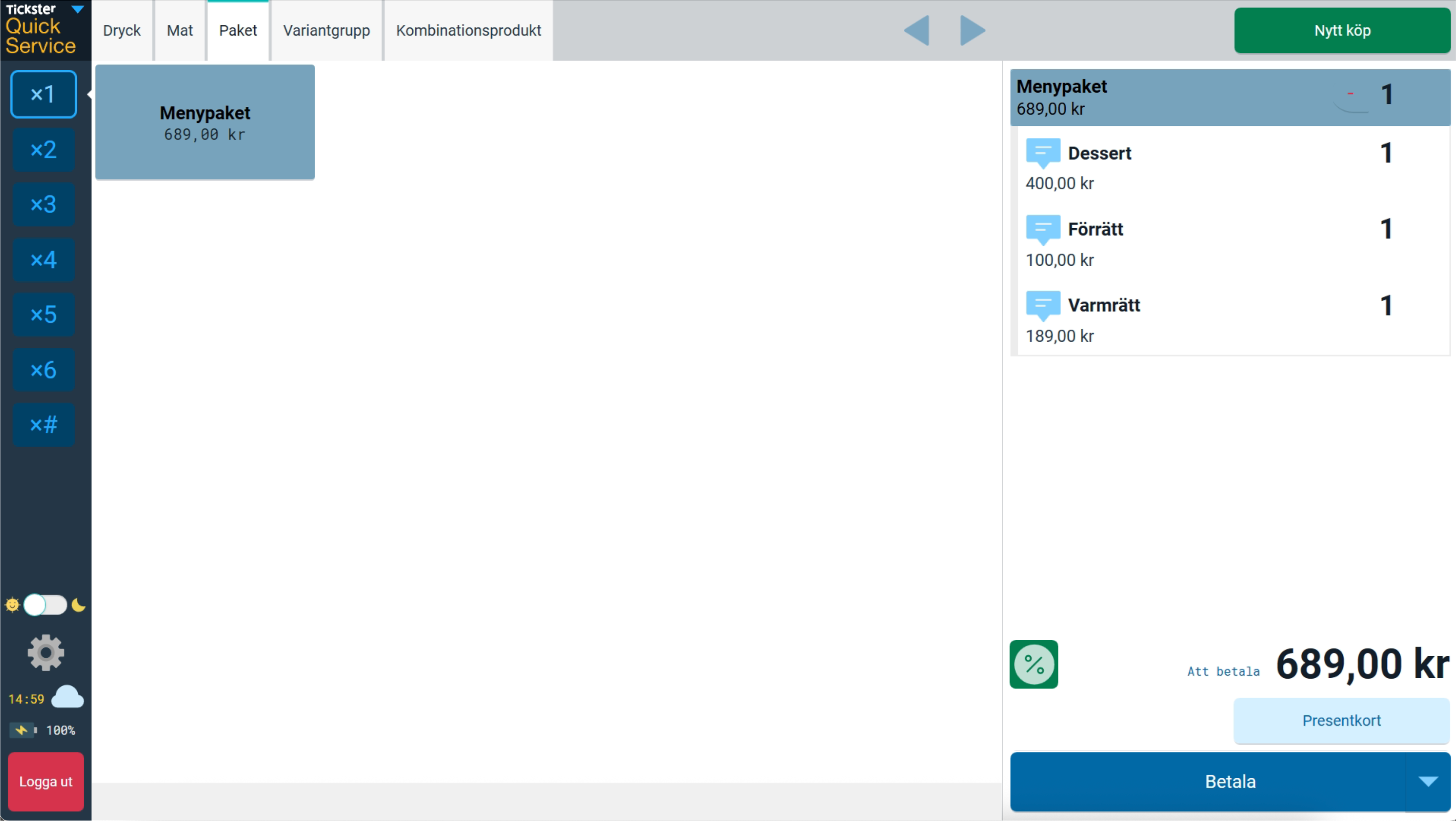
With packages, you sell several items at a combined price and handle them as a single product at checkout.
Perfect for menus, ready-made solutions, and promotions where everything is included — no questions asked.
→ Read more about packages in Blink
Variant group – when there are different choices
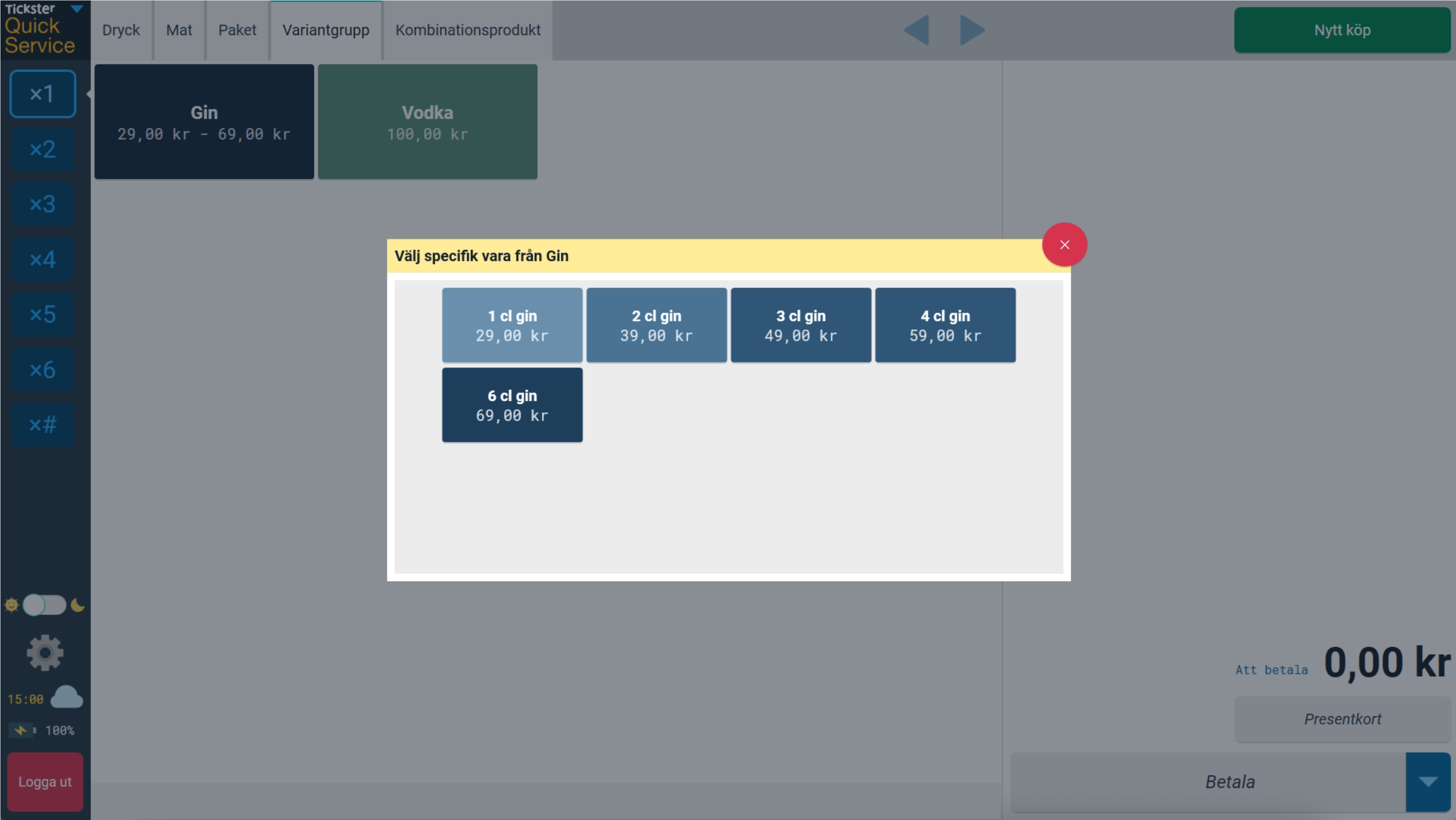
With variant groups, you can collect several similar items — such as different sizes of a T-shirt, flavors, or centiliters — under a single button at checkout. When you press the button, a selection opens where the correct variant is selected and added directly. Fewer buttons, less clutter, and a smoother checkout process.
→ Read more about variant group in Blink
Combination product – when speed is of the essence
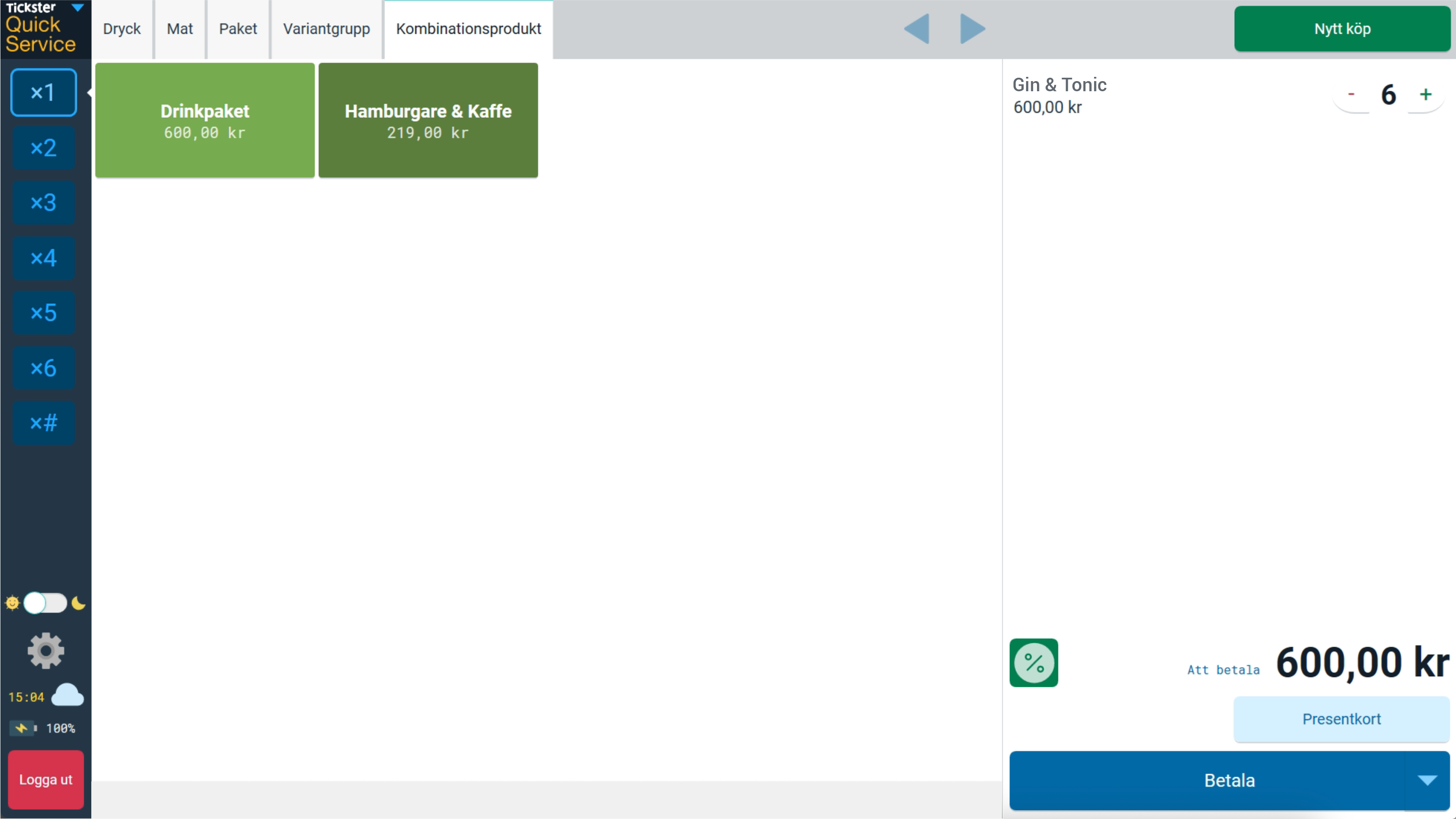
Combination products are the quickest way to add multiple items at once. One click, and a beer bucket or combo offer, for example, is added directly to your cart. The items function as usual and are not treated as a package.
→ Read more about combination products in Blink
When should you use what?
| Välj | När du vill… |
|---|---|
| Package | sälja allt som en färdig lösning |
| Variant group | låta kunden välja |
| Combination product | lägga till flera varor snabbt |
Explore the guides in the Help Center or contact our support team — we’re happy to help.